Recently, Meta announced that Android Debug Bridge is unlocked on Portal devices. Portal devices are discontinued and their photos feature which was my favorite was disabled a few months ago. Thanks to this new development, it was finally possible to realize my dream of using my photos from Google Photos as a screensaver on the portal.
You can follow the instructions from github to deploy this app to your Portal.
Create the Google Cloud Project and OAuth Client
Because this app connects to your personal Google Photos library, you need to create your own Google Cloud project and generate OAuth credentials.
- Create a project at https://console.cloud.google.com.
- Enable the Photos Picker API: APIs & Services → Library → search “Photos Picker API” → Enable. (Not the Library API, not the Ambient API.)
- OAuth consent screen:
- User type: External.
- Add the scope
https://www.googleapis.com/auth/photospicker.mediaitems.readonly. - Add your own Google account as a Test user.
- Create the OAuth client: Credentials → Create credentials → OAuth client ID → Application type Desktop app → download the JSON (
client_secret.json).
Deploy the App
Connect your Facebook Portal to your computer via USB (or over Wi-Fi ADB). Make sure to authorize the connection on the Portal screen.
Run the provided deployment script. This script automatically handles installing the APK, pushing your credentials, granting necessary system permissions, and setting up the screensaver hooks:
./scripts/deploy.sh --client client_secret.json
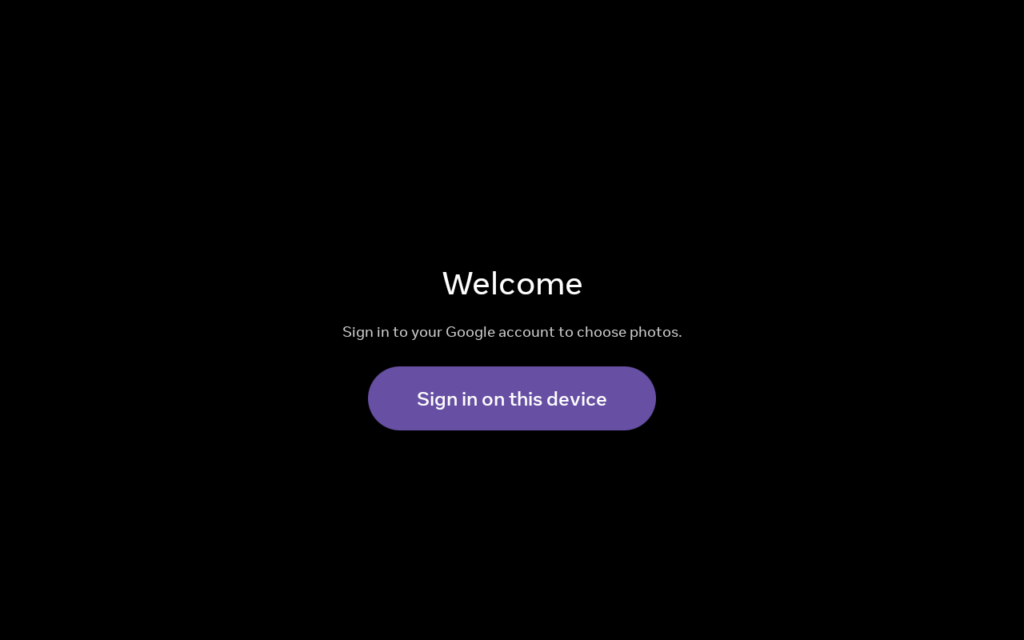
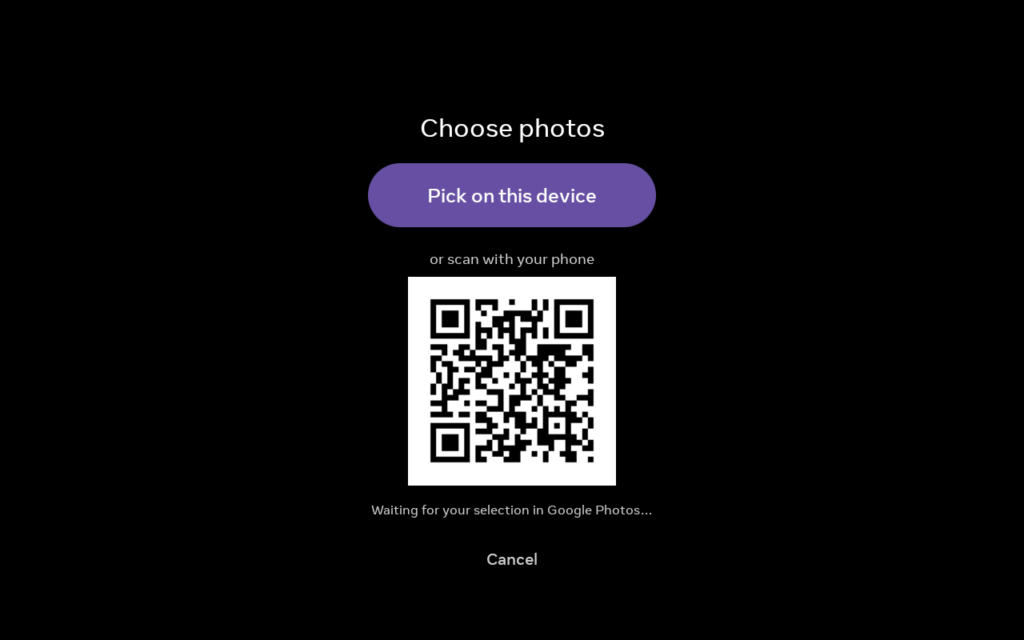
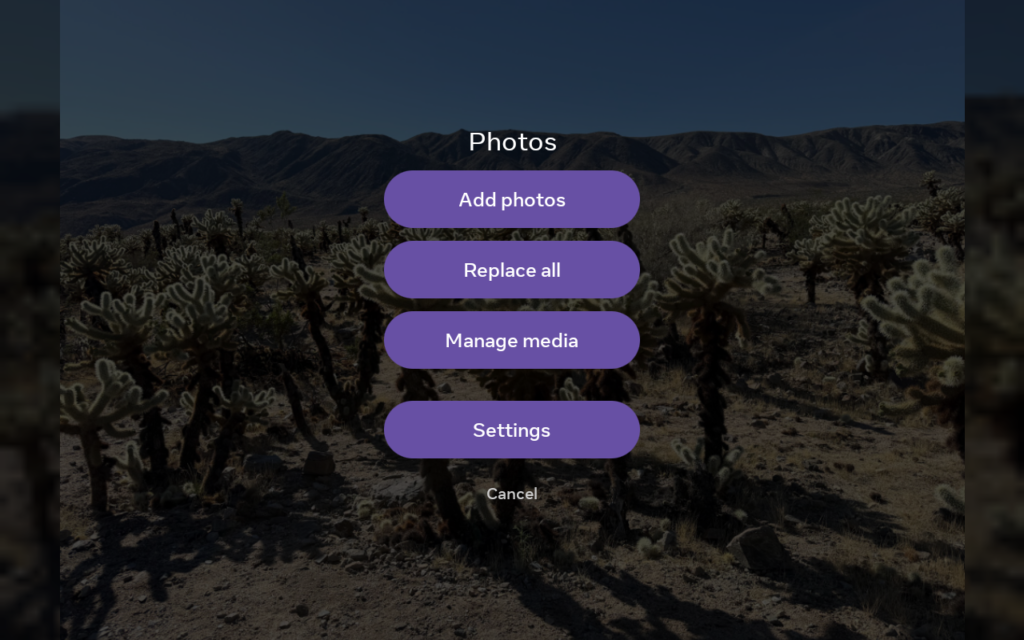
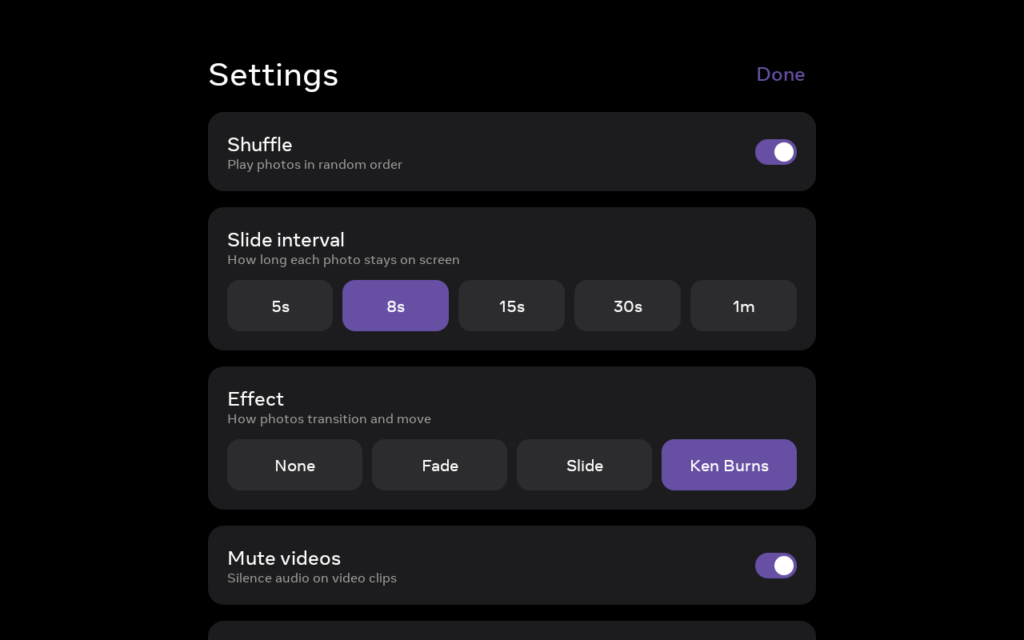
Screenshots